Request a credential from the institution list
You pick the institution from the in-app list and request the credential; the institution matches your identity credential with its own record and sends it.
Topics in this guide
Before you start
- Your identity credential is ready: Verify your identity.
- You have a record at the institution; your ID number and date of birth exactly match that record.
- An internet connection.
Steps
Step 1: On the home screen, tap Get
The same list also opens from the Documents tab: + (Add credential) → Get a credential from an institution.
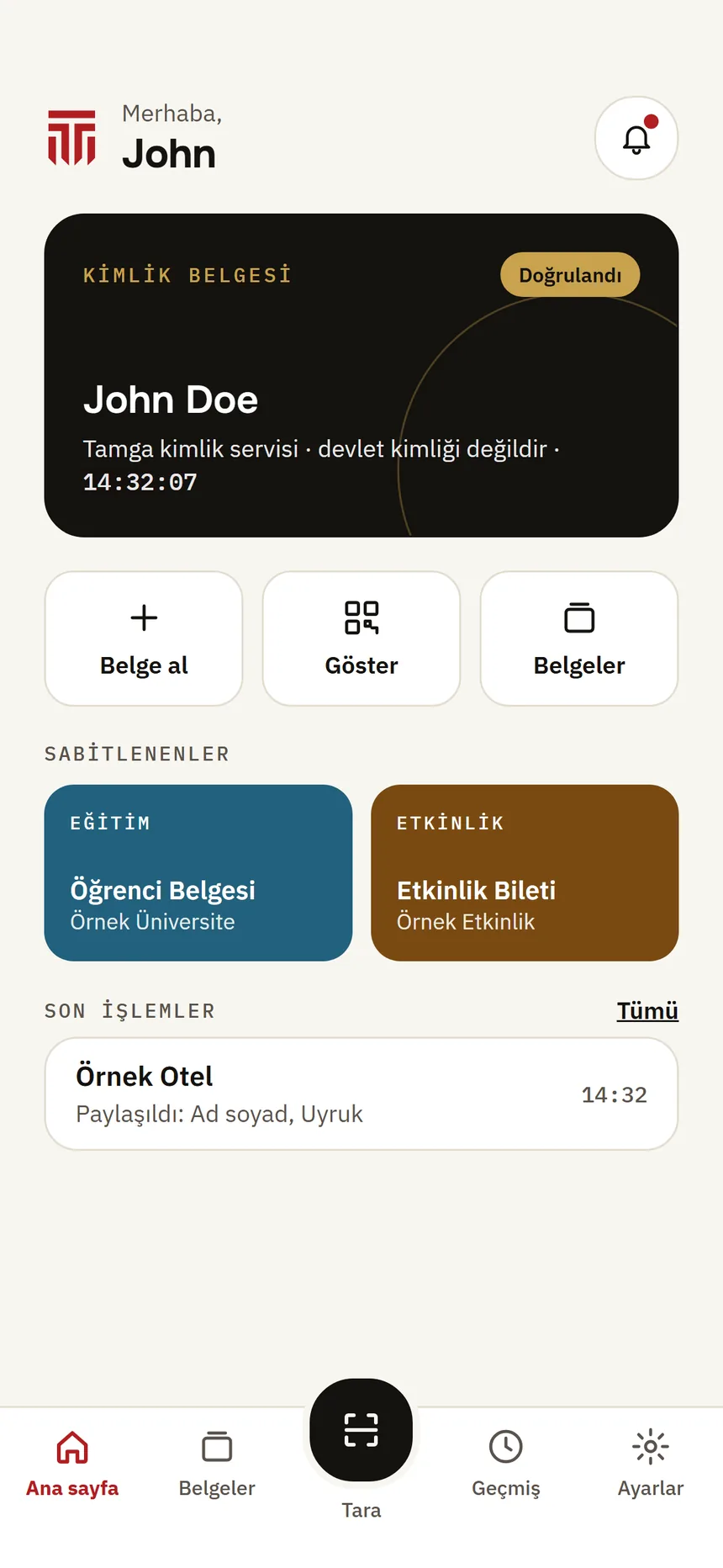
Home Step 2: Find the institution
Type the institution's name in the search box or choose a category. The list is read from the Tamga trusted list; you cannot get credentials from institutions that are not listed.
Step 3: Choose the credential type
On the institution's page, under “Credentials you can get”, tap the one you want (e.g. Request Diploma).
Step 4: Present your identity
“Present your identity” shows the fields the institution asks for from your identity credential. Tap Present my identity and confirm with your phone's lock (Face ID / Touch ID or the phone passcode).
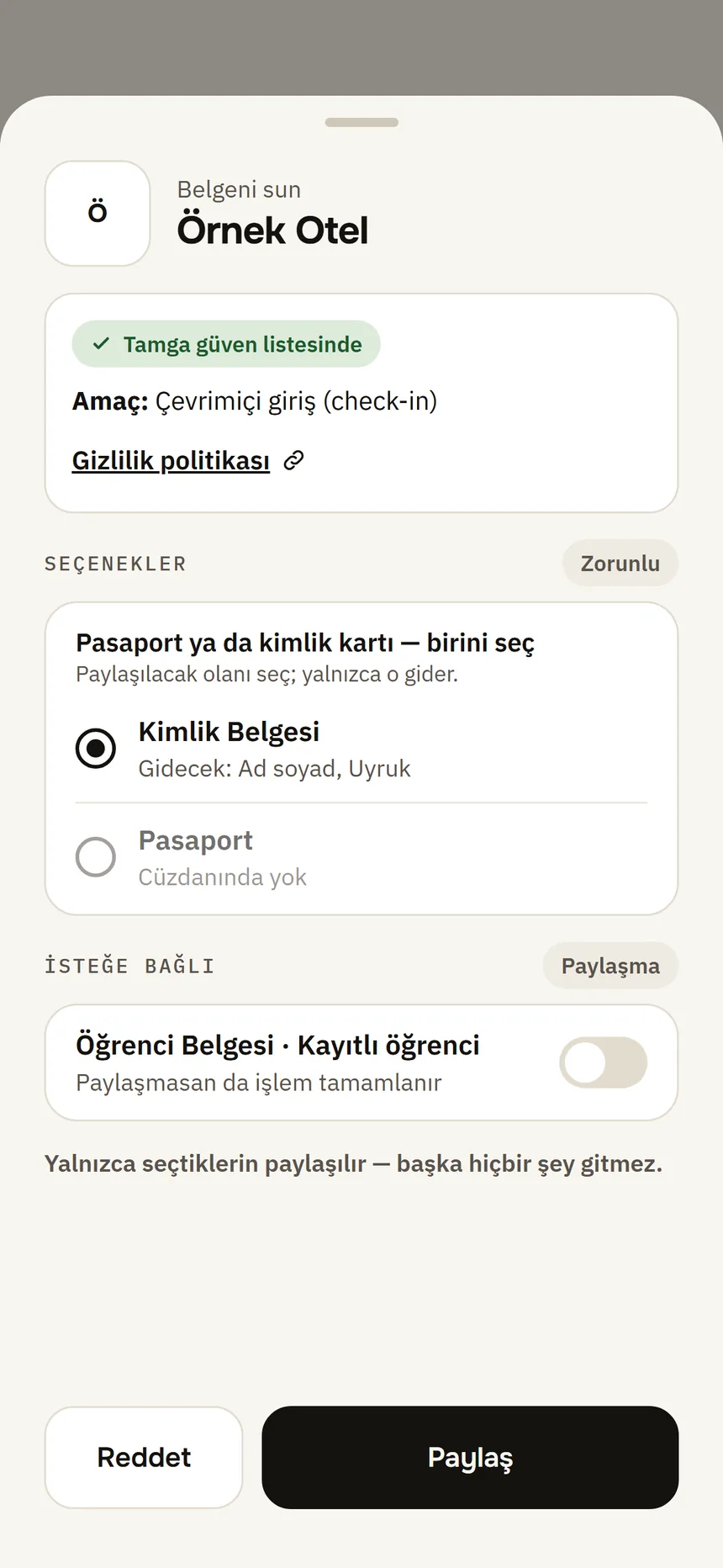
Share approval Step 5: Credential added
“The institution’s signature was checked on this phone.” Tap View to open the credential.
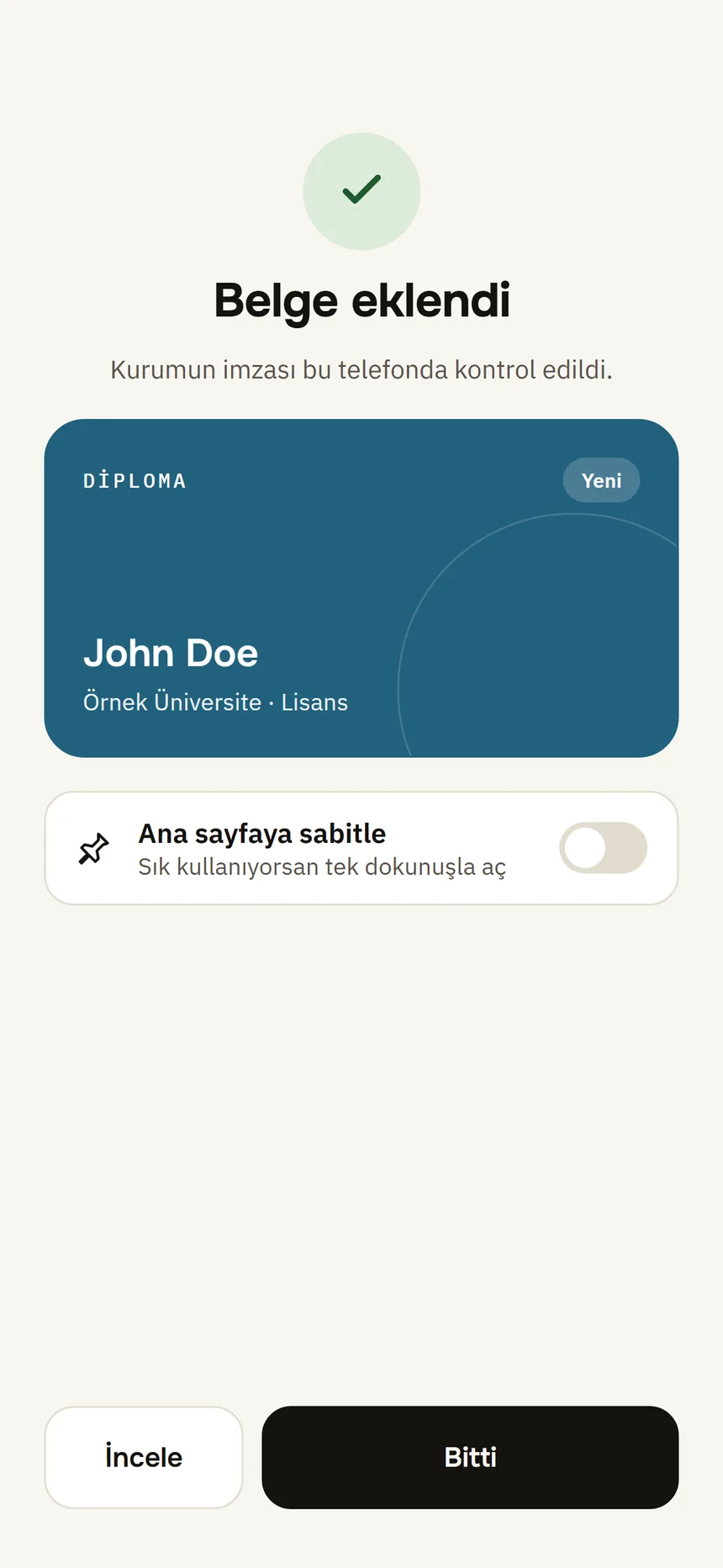
Document received
Good to know
- The matching happens at the institution; Tamga does not see it.
- If the institution cannot find you, the app says that your ID number and date of birth must exactly match its record; contact the institution's registrar.
- An institution marked “Not issuing credentials today” does not issue at that moment.
- Institutions appear in the list as they join Tamga Network.
Related guides
- Get a credential with the institution's QR codeThe institution shows you a QR code and a 6-digit one-time code on a screen or in an email; you scan the QR code with Scan and enter the code.
- Verify your identityYou verify once remotely with your ID card or passport and your face; the result is an identity credential on your phone that institutions recognise you by.
- Open a credential's detailsOn the credential page you see what it contains, where it was used and its technical details.