Credential status: valid, revoked, suspended, not verified
When online, the wallet itself checks whether the institution has revoked a credential; the badge shows the result and when it was last checked.
Topics in this guide
Steps
Step 1: Look at the status badge on the credential page
What each one means is in the table below.
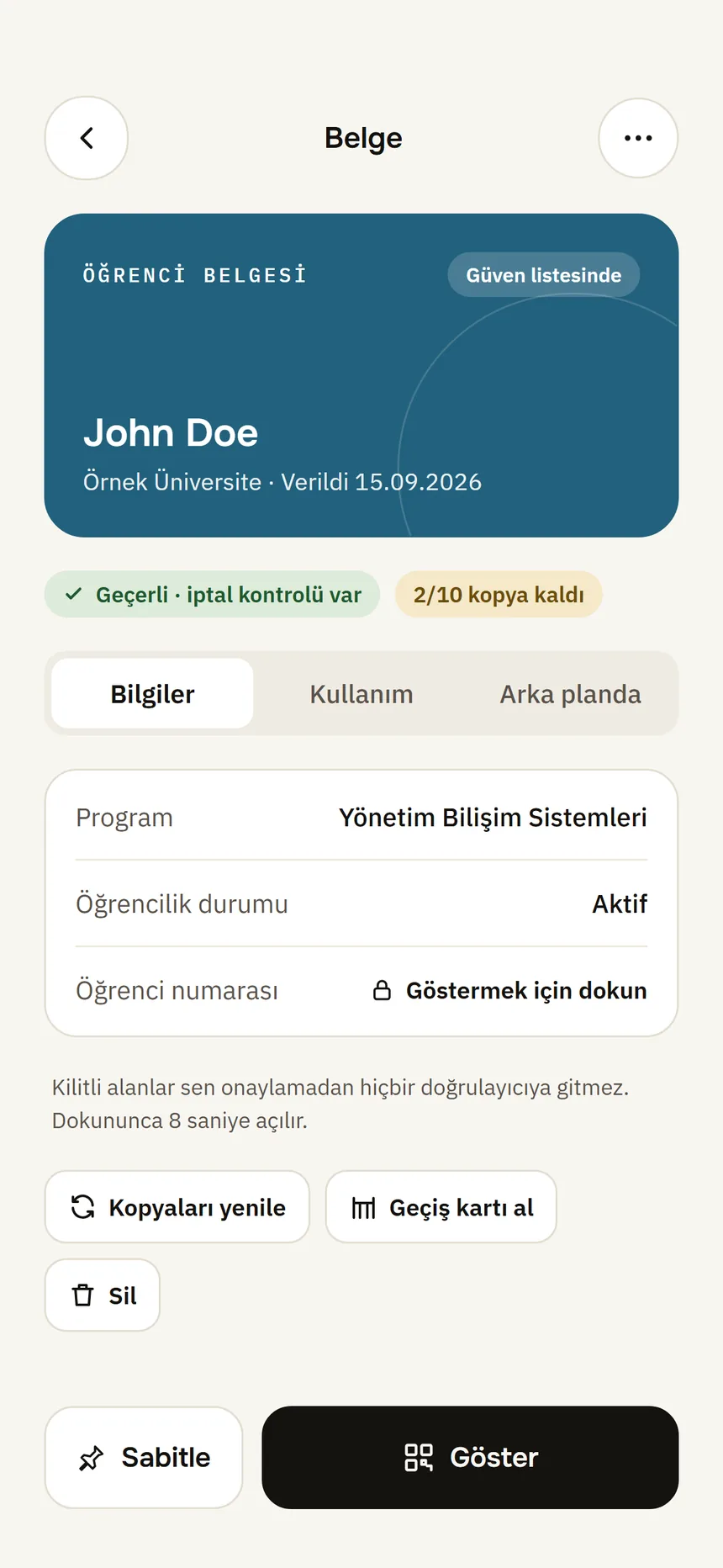
Document detail Step 2: If you see “Not verified”, go online
It is checked by itself once you are connected. To check right away, tap Check now.
Step 3: If it is revoked or suspended, contact the institution
The credential can no longer be presented. Contact the issuer or get a new one.
| Badge | What it means | What to do |
|---|---|---|
| Valid · checked … | The institution has not revoked it; the time of the last check is shown. | Nothing to do. |
| Revoked | “The issuer has revoked this credential.” It can no longer be presented. | Contact the issuer or get a new one. |
| Suspended | The issuer has temporarily suspended it; it cannot be presented while suspended. | Contact the issuer. When the suspension is lifted you get a “valid again” notification. |
| Not verified | The last check is older than 24 hours or never happened (usually there was no internet). You can still show the credential. | Go online or tap Check now. |
| Expired | The credential has expired; it can no longer be presented. | Get a new one from the issuer. |
Good to know
- Short-lived credentials (e.g. a student certificate) have no status list; their validity is kept short instead.
- Revocations and suspensions also appear as notifications when you open the app.
- Refreshing copies is a separate thing: Expiry and refreshing copies.
Related guides
- Expiry, notifications and refreshing copiesThe wallet warns you before a credential expires; when copies run low you get new ones from the institution.
- What works without internet?Without internet you can still view and show your documents; getting, renewing and the revocation check need a connection.
- Open a credential's detailsOn the credential page you see what it contains, where it was used and its technical details.