Security
Tamga Wallet's security does not rest on a single lock but on several layers. Here we describe what each layer does — and its limits.
Keys stay on your phone
Every document is bound to a key created on your phone. The key is generated in the phone's key store (Secure Enclave on iPhone, Keystore on Android; the secure chip where there is one) and never leaves it; it does not go into backups or the transfer file either. So someone who copies your document cannot show it in your place.
Bound to your phone lock
- The document key can be used only while the phone is unlocked and with the phone's own check — face, fingerprint or phone passcode. Every sharing asks for this approval.
- If the phone has no screen lock, the wallet does not create document keys and first asks you to set one.
- If you change your screen lock or enrolled biometrics, the key may become invalid; the wallet then tells you in plain words, and you get your documents again from the institutions.
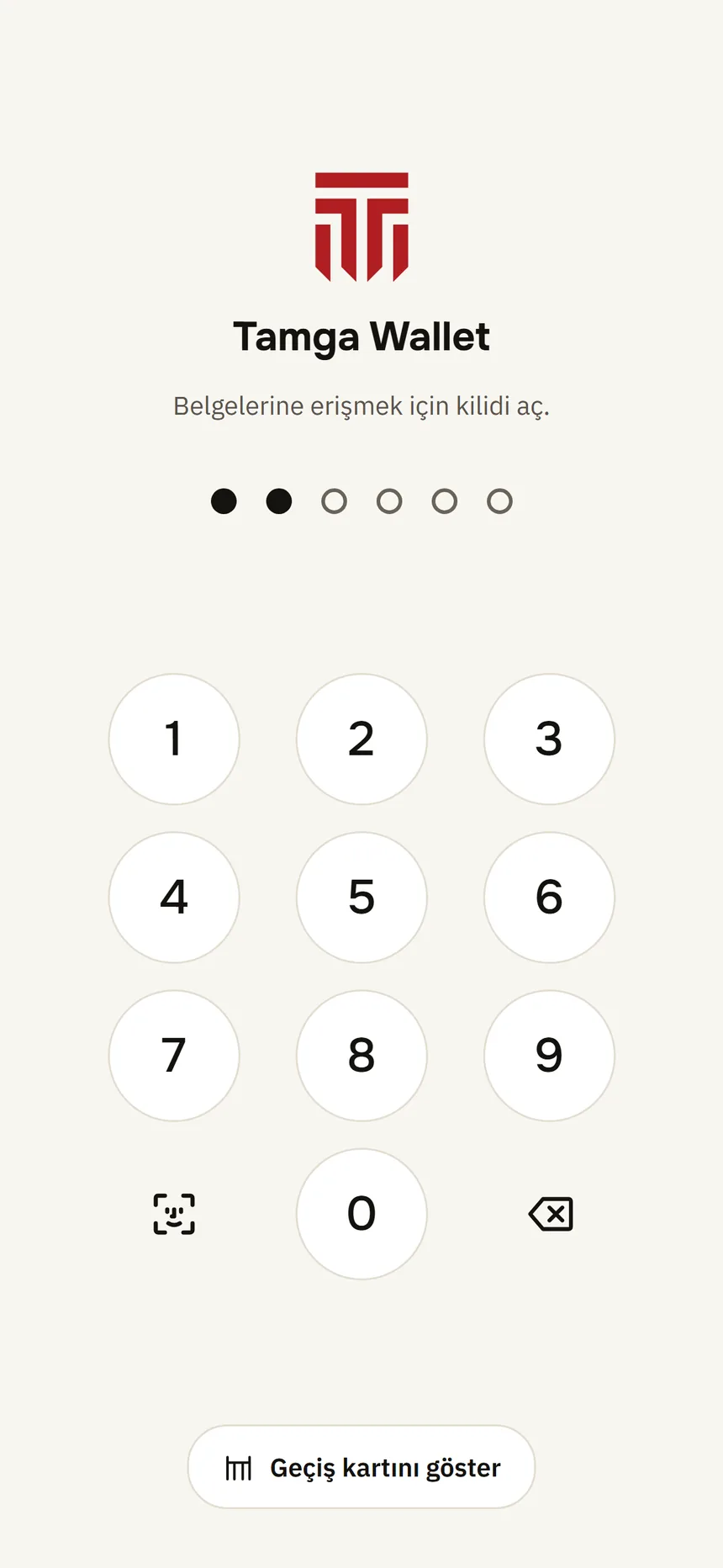
- The app also has its own 6-digit PIN, asked when you open the wallet; it stays on this phone. After 5 wrong attempts in a row you have to wait (30 seconds, 1 minute, 2 minutes… up to 1 hour); closing and reopening the app does not reset the wait. You change it in Settings → Security → Change PIN.
- If you forget the PIN there is no way to recover it; Tamga does not know it. If Face ID / Touch ID is on, open the wallet with it and use Settings → Reset wallet; if not, delete and reinstall the app. Either way you get your documents again from the institutions: I forgot my PIN.
Revocation code
When you set up the wallet, the phone creates a random revocation code and shows it to you once; you write it down, print it or keep it somewhere safe. If your phone is lost or stolen, you close your wallet with this code, without the phone. The server keeps only a one-way fingerprint of the code, never the code itself; the page asks for no name, phone or email. Details: Lost phone.
Screenshot blocking
Screenshots and screen recording are blocked on sensitive screens such as document details, QR display, approval, PIN and the transfer file. On Android the recent-apps preview is blank; on iPhone the content is blurred in the app switcher.
Notifications are created only on your phone
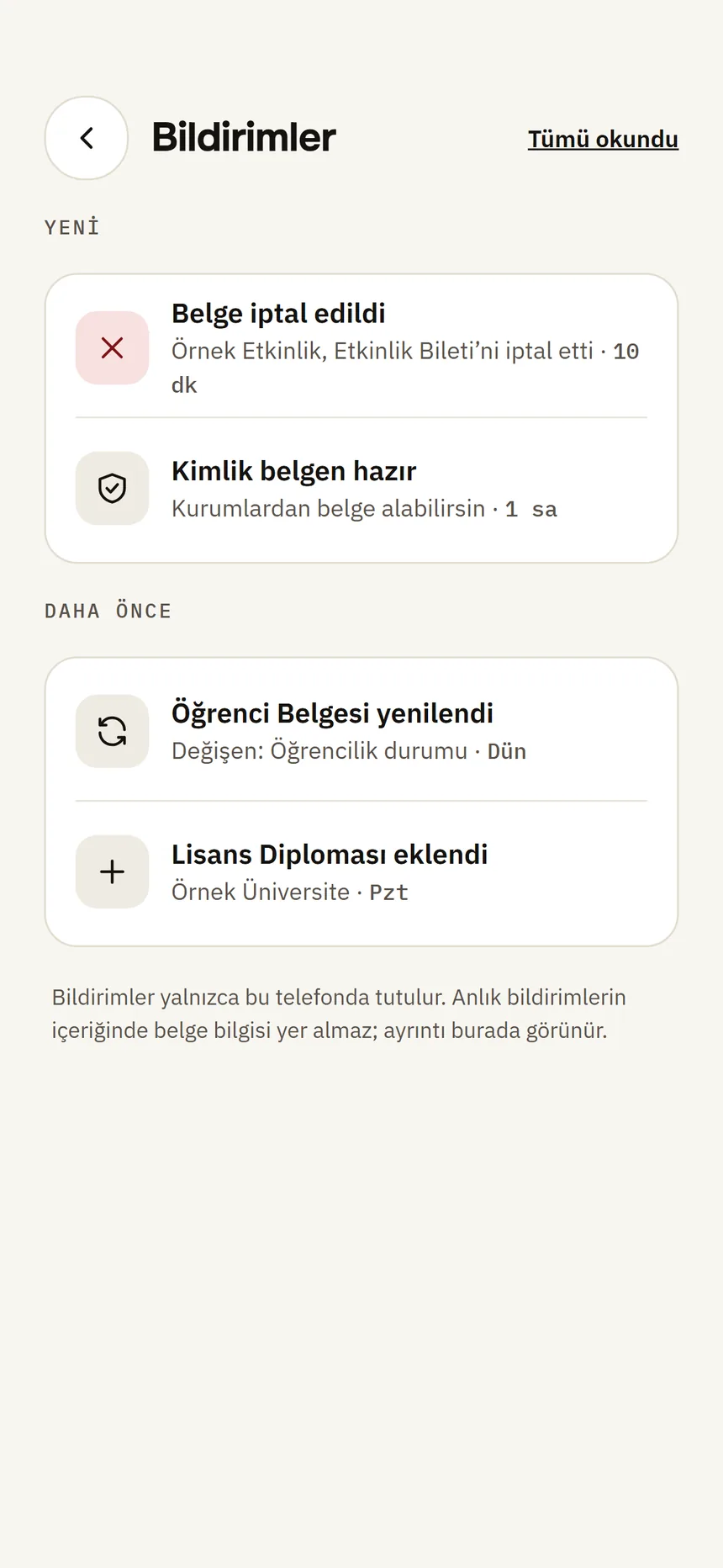
When a document is revoked or about to expire, the wallet notices by itself and creates a notification on your phone. There are no server-sent (push) notifications and no notification token is collected. The lock screen shows no document or institution name. You can turn notifications off in Settings → Notifications.
Device attestation
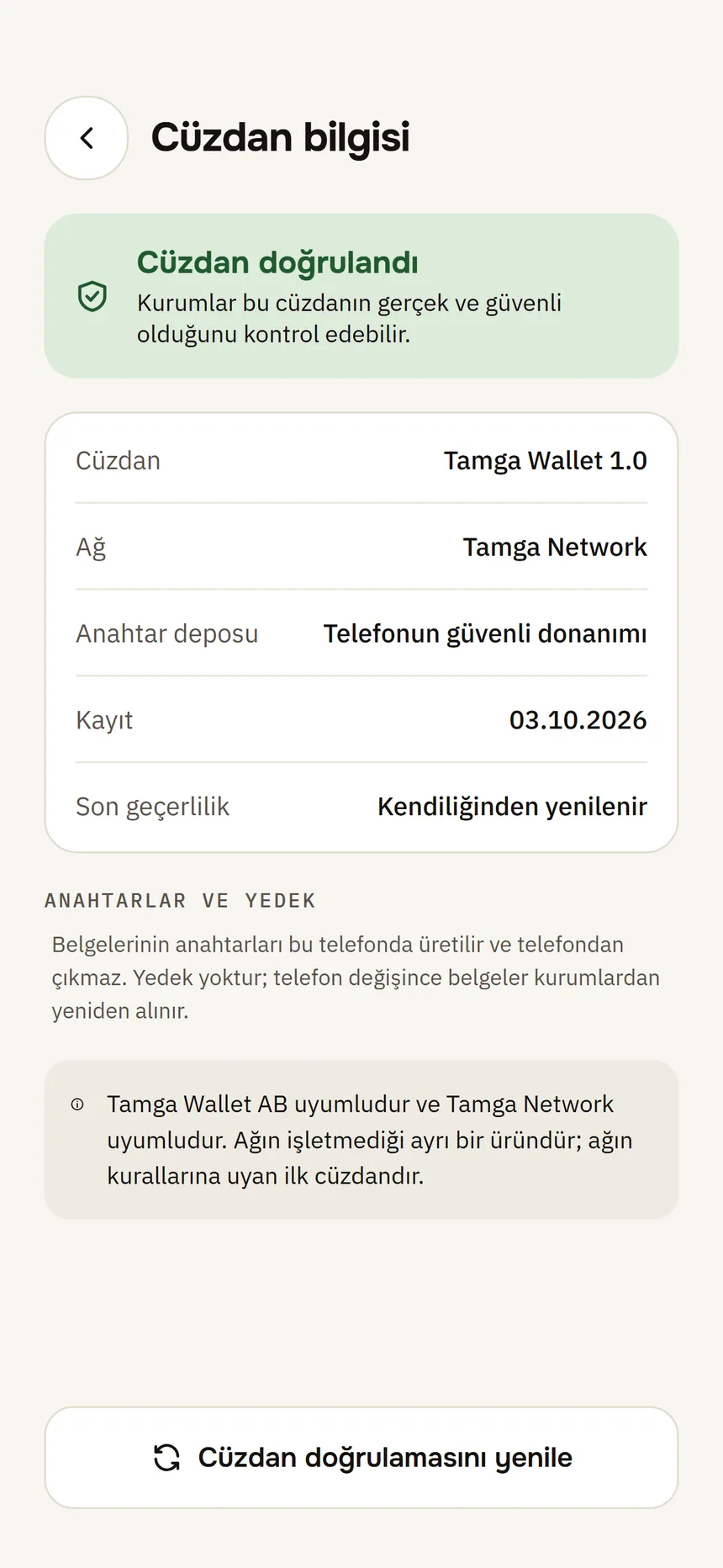
The phone's operating system tells the wallet provider, with a signed attestation (App Attest on iPhone, key attestation on Android), that the wallet key was created in the phone's secure chip. If the attestation is verified, your documents are presented to institutions at “secure hardware” level; if not, the wallet still works but counts as “software level”, and some institutions may decline to issue. You can see your level in Settings → Wallet info. Support for Google Play Integrity is ready but not required.
What protects you when you share
- You see who is asking, what for and why before anything is shared; information that was not asked for is not sent.
- If a site asks only for “Over 18”, only that answer is sent. With a zero-knowledge proof your date of birth, your name and the credential itself are not shown either; if your phone cannot create the proof, still only that yes/no field is sent.
- If a site is not on the Tamga Network trusted list, or asks for information outside its registered purpose, the wallet shows a separate warning and holds the “Share” button for a few seconds.
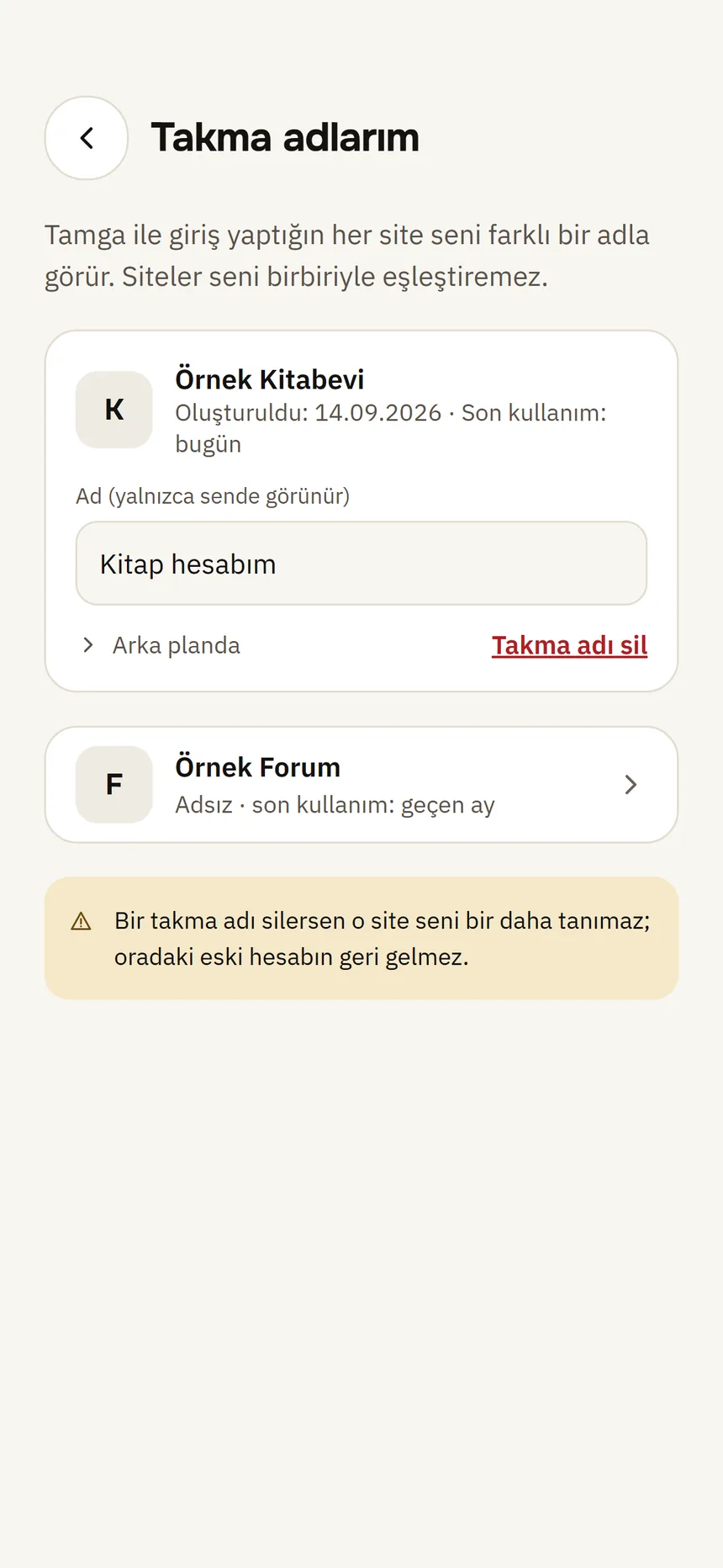
- The same institution always gets the same copy and different institutions get different copies; “Sign in with Tamga” gives every site a separate pseudonym.
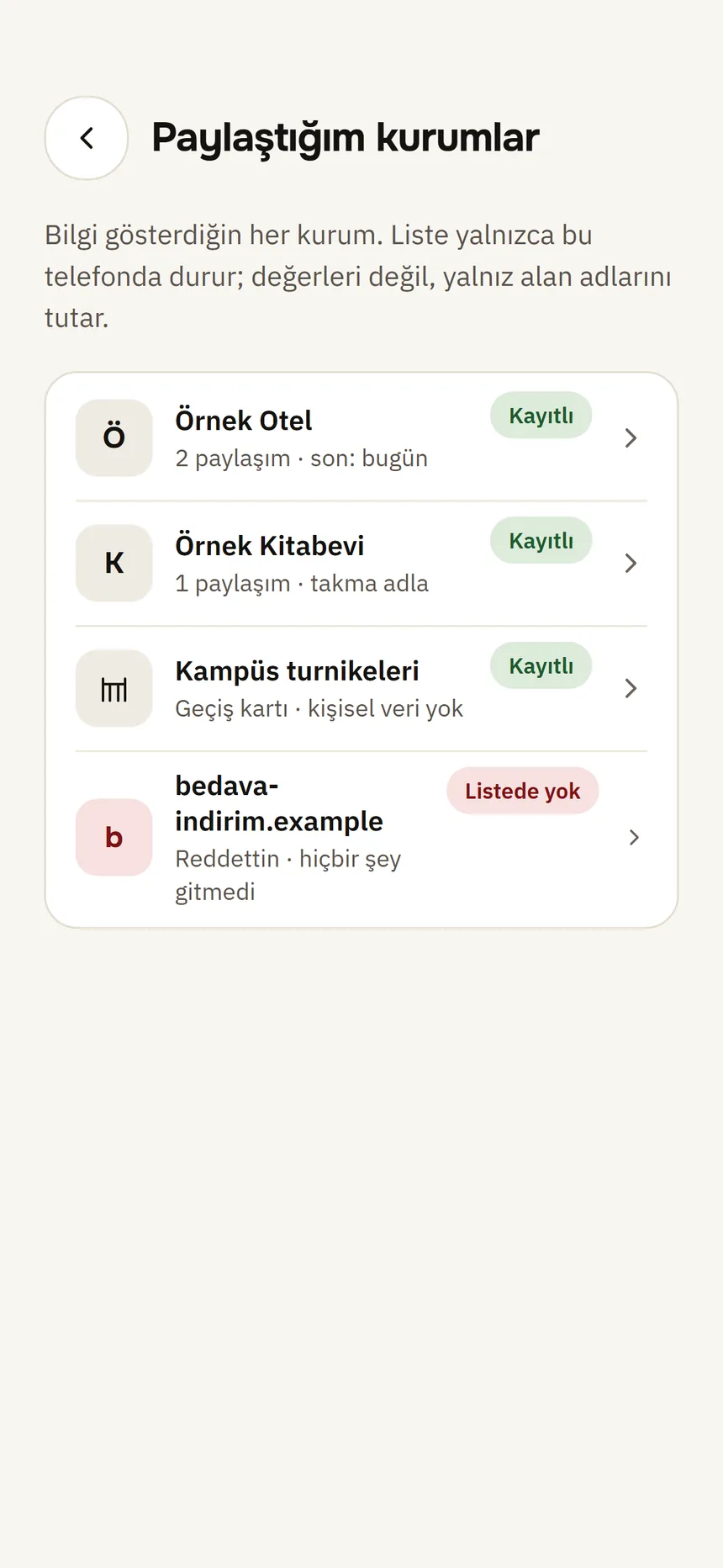
- Your presentation history is only on your phone; it never goes to a server or a server backup. Only if you ask, it is exported as a password-protected file.
- All connections on the network are encrypted (HTTPS); presentations are additionally end-to-end encrypted.
Limits
- No software is flawless. Tamga Wallet has not yet had an independent security review; if you find a vulnerability, please report it to us.
- Someone who knows your phone's unlock and gets hold of your phone can show your documents. That is why you should close your wallet with the revocation code if you lose your phone.
- If you lose the revocation code, the phone-free way of closing the wallet is gone too; when you verify your identity again on a new phone, your old identity credential is revoked.
- An institution you show a document to keeps what it receives under its own rules; Tamga cannot delete that.
Report a vulnerability
If you have found a security vulnerability, please write to us first: security@tamgawallet.com. We kindly ask you not to disclose it publicly until it is fixed. Fixed flaws and wallets closed for security reasons are published on the Security advisories page; you can see your own wallet's status on the My wallet status page.